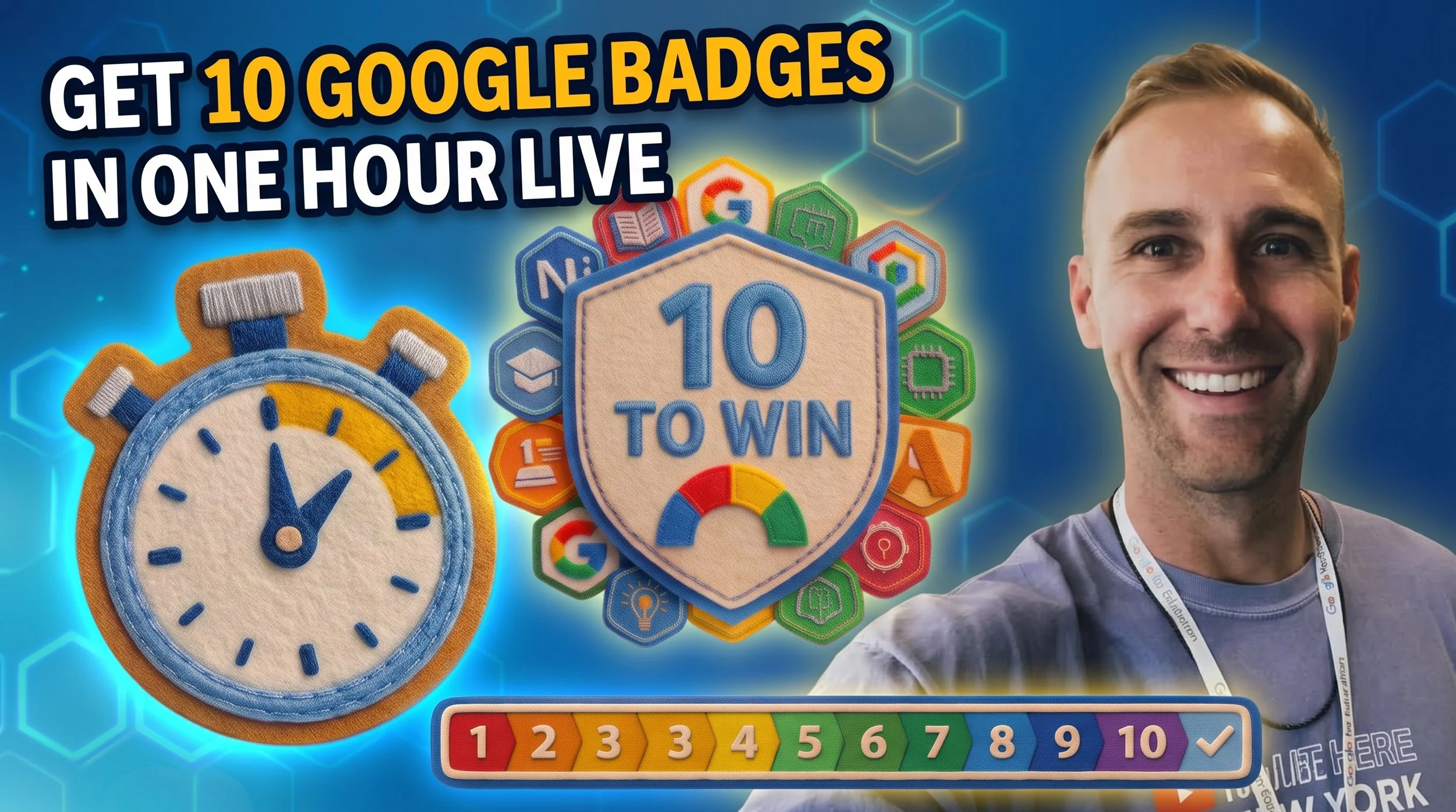
🎓 TODAY you could get 10 Google Badges in 1 Hour + Win $100
⏰ TL;DR
💸 Enter to potentially win $100! Go to this video and like, comment, and BONUS share it to your story! Hope you win!!
🏆 GET GOOGLE BADGES: I’m hosting a FREE 1-hour livestream to help get you 10 Google Educator Badges on October 1st (and i’d love for you and your fellow teachers to join ((for free)) and IT’S HAPPENING TODAY AT 3:30pm central time!!
🛠️ Tech Tip: Move your Chrome Tabs to the left (to the left) EVERY TAB YOU OWN IN A COLUMN TO THE LEFT! Viddie on it here!!
Hey y’alllllllll!
Skipping the Real Talk section today cause we down to business like a tie on the floor!
Later today, let’s get YOU a DUB (dub is short for “w” which is short for “win”)!!
Actually, let’s aim for 10 dubs!! 😂
Three quick things you don’t wanna miss (imho) 👇
💸 Giveaway!
💵 I’m giving away $100 to someone and i hope it’s youuuuuu!!!
I just posted my Google Workspace collab video about Sheets Canvas (which is lowkey AMAZING) on Instagram, and I’m giving one of y’all $100!
To enter:
leave a comment (preferably a nice one 😂), and
BONUS: share it to your Instagram story!
👉 Watch the video + enter here
This giveaway is from me personally, not Google. Just a lil thank-you for supporting what I’m making! 🙌

📥 THE DROP
LIVE TODAY: Let’s earn 10 Google AI badges in ONE hour 🎓
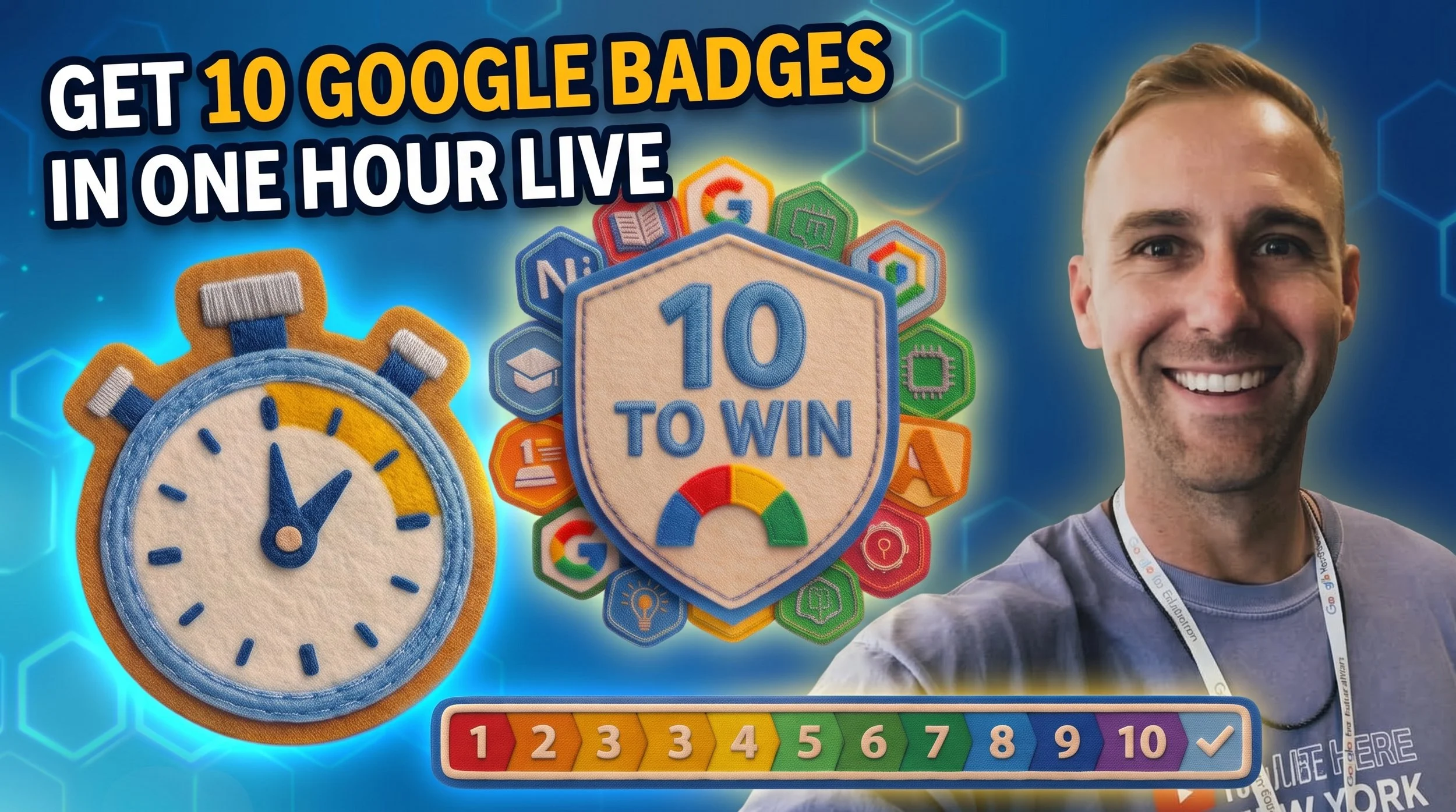
TODAY: Thursday, October 1st, from 3:30–4:30 PM Central, I’m hosting a FREE live training with one goal: help you earn 10 Google AI Educator badges in one hour!!
We’ll work through the main stuff in the material together so you can build skills you can actually use with your students!! Each slide will correlate directly to a question on the quiz that gets you an official Google Badge!
ALSO, you’ll get access to a certificate at the end from me that you knocked this out!
Come solo or bring your whole staff!! Professional learning is better with ya teacher BFF (imo). And bring snacks. But not for me, cause it’s virtual. Unless you mail them to me. 😂
Want a head start? Visit Badge City to create your account and practice with the foundational badges before we start!!
GOT A MINUTE? Here’s the 5 newest lessons I just posted! REMEMBER: pretty please on the last question of the Quiz, select “PD Partner” AND then select “Other” and put TARVER (pretty pleaseeeeee)!!
Can’t make it? Totes cool, hit that YouTube link anytime after and knock out them badges!! 🙌
🛠️ Tech Tip
📕 Your 47 Chrome tabs can slideeeee to the left! 🙌
If your browser tabs are so tiny it feels like you’re identifying sites by vibes, this one’s for you! 😂
Google Chrome now lets you have vertical tabs. Aka move your tabs into a sidebar so you can read the page titles and find what you need a lil bit easier!!
Try it: Right-click the tab bar at the top of your screen and select “Show tabs vertically.”
Video on how to do it and what it looks like here!
Same tabs. Easier to read.
My recommendation: right click a tab and put them in groups. Makes it a lottttt easier to organize!
Work hard, have fun, be kind!
Never Stop Learning!
Dr. T