🎓 Free Halloween Headers + One Google Ai Badge a Day (fo freeee)
⏰ TL;DR
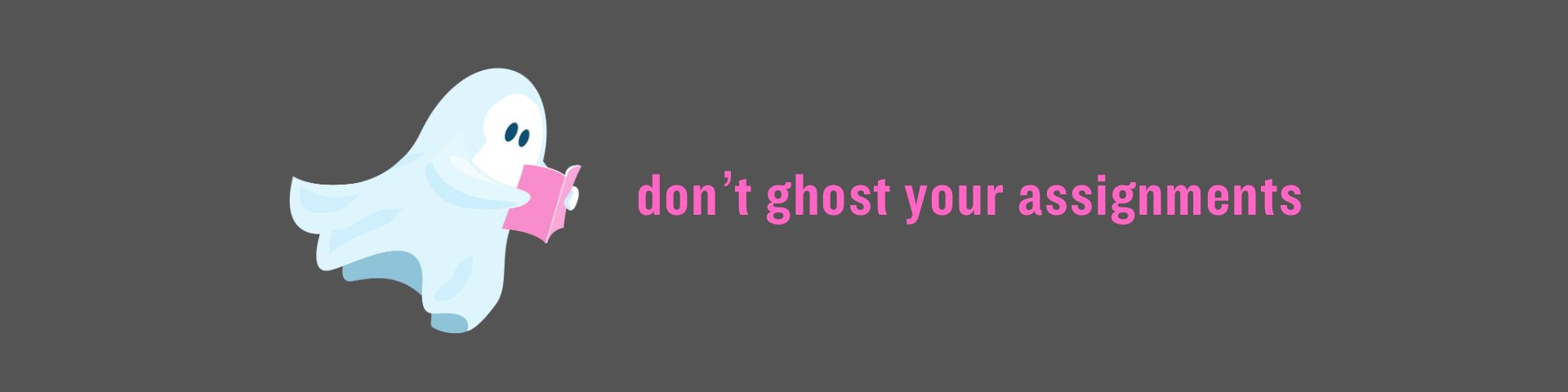
👻 Free Halloween Google Classroom headers! Grab “don’t ghost your assignments” and give your Google Classroom a lil spooky dookie upgrade (also sorry for saying “dookie” 😂)
🏆 ONE BADGE A DAY: All my K–12 walkthroughs and quizzes are now up on Badge City!! Two minute video + a 3 question quiz (Put TARVER under “Other” on question 4). Aim for under 10 minutes total!!
📺 Watch the 10-Badge Blitz replay, orrrr join the upcoming ISTE training!! It’s free and done by people who are very nice to me in-person! 😂
🛠️ Tech Tip: Create a Gemini Skill for the tasks you keep doing over and overrrrr.
💸 Giveaway update: Congrats to @hgsisk for winning that hundo dollars for commenting on this viddie collab I did with Google Workspace!! 🙌
Hey y’alllllllll!
October teacher energy is a special thing AND WE ALL KNOW THE WEEK LEADING UP TO HALLOWEEN BE WILDER THAN GENE! You’re teaching actual humans while they’re actively stockpiling sugar tablets for 7 days straight! 😂
So today we’ve got a tiny classroom upgrade AND a tiny professional-learning challenge! Nothing that requires you to give up your entire prep period. We like our preps. That’s when we can prep (or chill on insta 😂)!
Let’s get down to the nitty gritty!!
Never stop learning,

👻 Free Halloween Google Classroom Headers
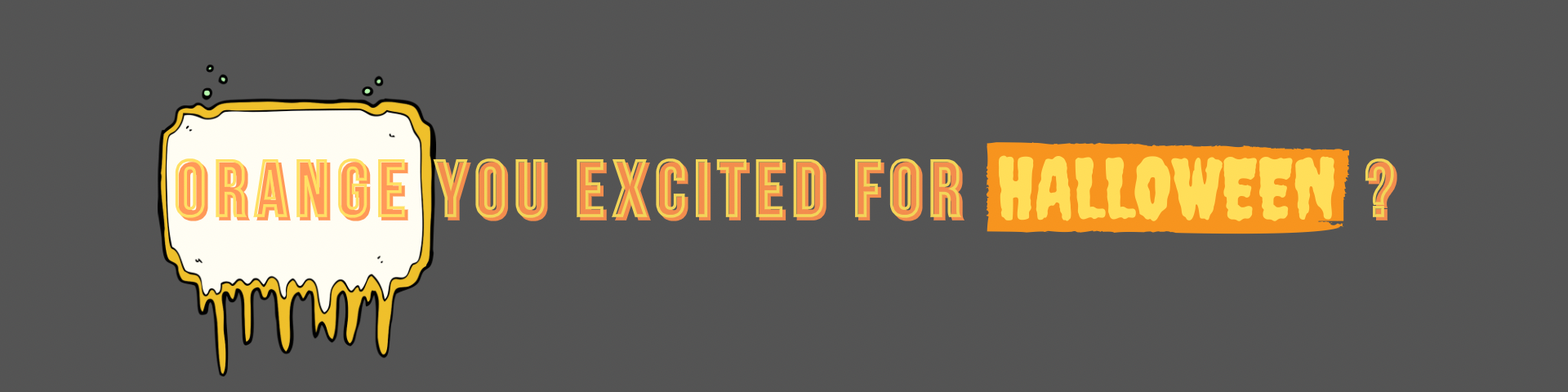
“Don’t ghost your assignments.” Honestly, a year-round message. But the ghosts make it FESTIVE!!
Grab the FREE Halloween headers here, download your favorite, and upload it as your Google Classroom header. The folder also has “trick or treat yo’ self to some knowledge.” Learning AND candy energy. A combo meal without the actual calories!
Want to see it in action? Watch my Instagram walkthrough here!
💸 $100 Giveaway Update
Thank you to everybody who commented on my Google Workspace collaboration video! Y’all showing up for that stuff helps me keep making the free stuff. For real for real! 🙌
Congrats to @hgsisk for winning that hundo dollars!
This giveaway is from me personally, not Google. Just a lil thank-you for supporting what I’m making (plus it helps the algo 😁)! Gonna do some more coming up so stay tuned like looney!
📥 THE DROP
One Google AI badge a day keeps the Dr away (i have a doc and promise not to show up at your house)! Even more importantly: Let’s get YOU some dubs!! 🏆
New to this but wanna be true to this?
Start with the Google AI Educator Series signup, then pick a lesson below!
I finished ALL the K–12 section videos!! The short walkthroughs and quiz links are together at tarveracademy.com/badgecity. No scavenger hunt. Unless you count finding your coffee, which is probably in the microwave.
Your challenge: ONE badge a day 🎓
Watch a short video, take the quiz, collect that badge. Aim for under 10 minutes for the video + quiz. Some lessons may take you a few mins longer, and that is totes fine!! This is progress, not the downhill skiing section fo the Olympics!
Start with the three foundational badges (below), then keep stacking. A few minutes a day adds up to skills you can actually use with your students. Andddddd a very respectable collection of badges. Mayor of Badge City energy!! 😂
PRETTY PLEASE: On the final quiz question, select “PD Partner” → “Other” → type TARVER. Thank youuuuuu!!
Foundational badges
K–12 classroom badges
Facilitate Interactive Experiences With AI Quests: Market Marshes // The Actual Market Marshes Quest // Quiz
Create classroom-ready instructional materials (Gen AI for Educators) // Quiz
Empowering Digital Citizens with Be Internet Awesome // Be Internet Awesome Site for you Students // Quiz
Facilitate interactive experiences with AI Quests: Dusky Dunes // The Actual Dusky Dunes Quest // Quiz
Want to knock out a bunch together and just click one video?
The 10-Badge Blitz replay is right here! Work through it at your pace. Pause it. Get a snack. Come back. We support snacks around here.
ALSO, my absolutely LOVELY friends over at ISTE have a free webinar coming up if you’d like to attend! 🙌
Want me to work through badges with YOUR teachers in-person? Let’s talk about a school PD day!
🛠️ Tech Tip
Teach Gemini your routine ONE time 🙌
If you keep typing the same instructions into Gemini, your keyboard and those beautifully manicured hands a break! 😂 A Skill lets you save instructions for a task and call them up anytime you need ‘em! Video how-to
Open Gemini
Start with “Please create a skill for the following: (insert what you want to create a skill for)
Open a new chat in Gemini
In a chat, type @skillname to use it!
Example: “Please create a skill for the following: Turn the lesson I provide into three exit-ticket questions. Include one misconception check, an answer key, and a quick reteaching idea. Ask for the grade and objective if I leave them out.” Boom. Future-you just got a lil help.
Don’t see Skills yet? The rollout started October 13 and runs through mid-November, so it may not be in your account yet. Personal-account Gem transitions begin in November 2026. Google Workspace for Education accounts transition no sooner than June 1, 2027. Your school account is not suddenly losing Gems this week!!
Already using my Gems? Open my templates directory and look for the Gem Copy links. You can adapt those instructions for a Skill when it’s available. Copying instructions does NOT copy attached knowledge files, so add any files you need separately.
Try these Gem templates i made for you fo free: Lesson Gamifier // Standards Based Lesson Planner // Parent/Guardian School Communication Assistant.

🎤 Where I’m Speaking!
Come say hey if we’re in the same place!! Here’s what’s coming up:
October 28–29, 2026 — District V FBLA, Conway, AR (middle school October 28; high school October 29)
November 3, 2026 — Waxahachie ISD, Texas
November 4–5, 2026 — GaETC, Atlanta, GA
November 10, 2026 — Arch Ford ESC
December 2–3, 2026 — TETC, Chattanooga, TN (keynote December 2; session December 3)
January 22, 2027 — Pueblo County School District 70, Pueblo, CO
February 19, 2027 — NAREN, Wisconsin Dells, WI
March 4, 2027 — NCTIES, Raleigh, NC
Want me to help YOUR teachers earn Google AI badges and actually use what they learn? I’d love that!! We can make it a school PD day with practical stuff teachers can use right away and I can answer questions and create them templates ON THE SPOT!
And if you’re planning next year’s back-to-school kickoff, let’s get the conversation started! Fill out the speaking form here and we’ll check dates together.
Work hard, have fun, be kind!
Never Stop Learning!
Dr. T